

How to archive contacts in Mailchimp, including in bulk
Step by step: archive one contact, a whole group or every unsubscribed contact in Mailchimp, find them later, bring them back, and do it through the API.

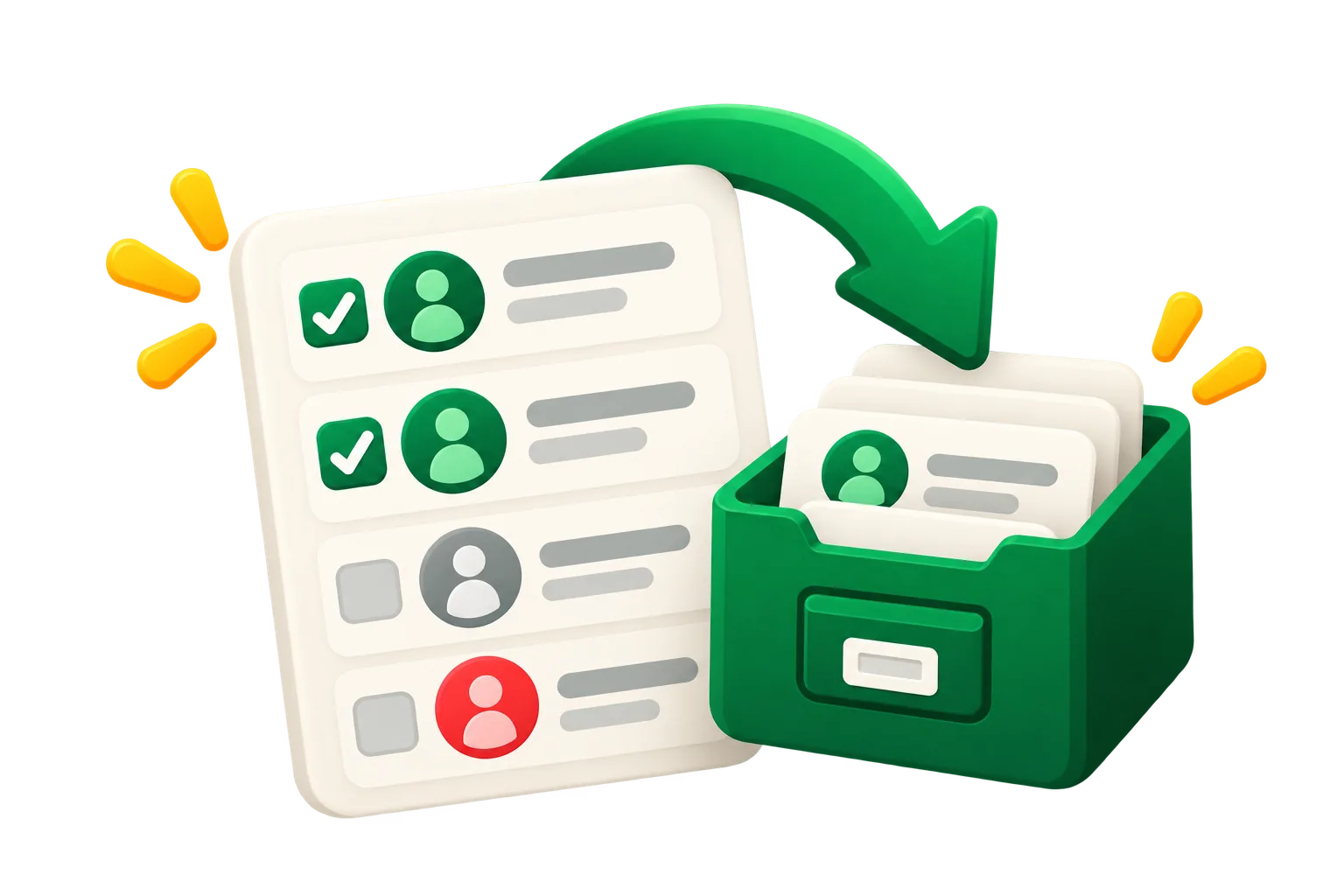
Archiving takes a contact out of your Mailchimp bill without losing its history, and you can undo it anytime. Here's how to do it for one contact, for a whole group, and from code.
Archive one contact
- Open your audience and go to All contacts.
- Find the contact and check the box next to it.
- Open the actions menu and choose Archive, then confirm.
Archive in bulk
The trick is to build the group first, then archive everyone in it:
- In All contacts, filter or create a segment for the group, for example "hasn't opened or clicked in the last 12 months".
- Select all contacts in the view (use the option to select every contact, not only the visible page).
- Choose Archive from the actions menu.
Before archiving, add a tag with the date (for example "archived-2026-10"). Mailchimp keeps the tags of archived contacts, so you can find and restore exactly that batch later.
Archive every unsubscribed contact
Filter All contacts by email marketing status Unsubscribed, select all and archive. They can't receive campaigns anyway, and they stop counting toward your plan. Do the same with Non-subscribed contacts you never meant to email.
See your archived contacts
Archived contacts don't show in the default view. In All contacts, switch the view to archived contacts to list them; you can filter them by tag there too.
Bring a contact back
Select archived contacts and choose Unarchive. Mailchimp also unarchives a contact on its own when they sign up again or buy through a connected store, so archiving never locks out a returning customer.
Archive through the API
In the Mailchimp Marketing API, deleting a list member archives it: a DELETE to /lists/{list_id}/members/{subscriber_hash} moves the contact to archived. Permanent deletion is a different call (actions/delete-permanent), so the plain delete is safe to use for cleaning.
Should you delete archived contacts?
Usually not. Archived contacts already cost nothing, and deleting them throws away their history. Keep permanent deletion for privacy requests. The full comparison is in archive vs. delete.
Or let it run on its own
acadion finds the contacts that match your rules, tags them, archives them in bulk and keeps a log to restore any of them in one click, every month. Start with a free audit.
Keep reading
 How to clean up your Mailchimp audience, step by stepA practical checklist to clean a Mailchimp list: back it up, clear unsubscribed and duplicate contacts, archive the inactive ones safely, and keep it clean every month.Ruth Williams ·
  Mailchimp contact limits: what counts, and what happens when you go overEvery Mailchimp plan has a contact limit. Which contacts count toward it, whether archived and cleaned ones do, and what happens when you pass it.Ruth Williams ·