

Mailchimp: archive vs. delete contacts, and when to use each
Archiving, deleting and permanently deleting do very different things in Mailchimp. What each one does to your bill, your history and your ability to bring a contact back.

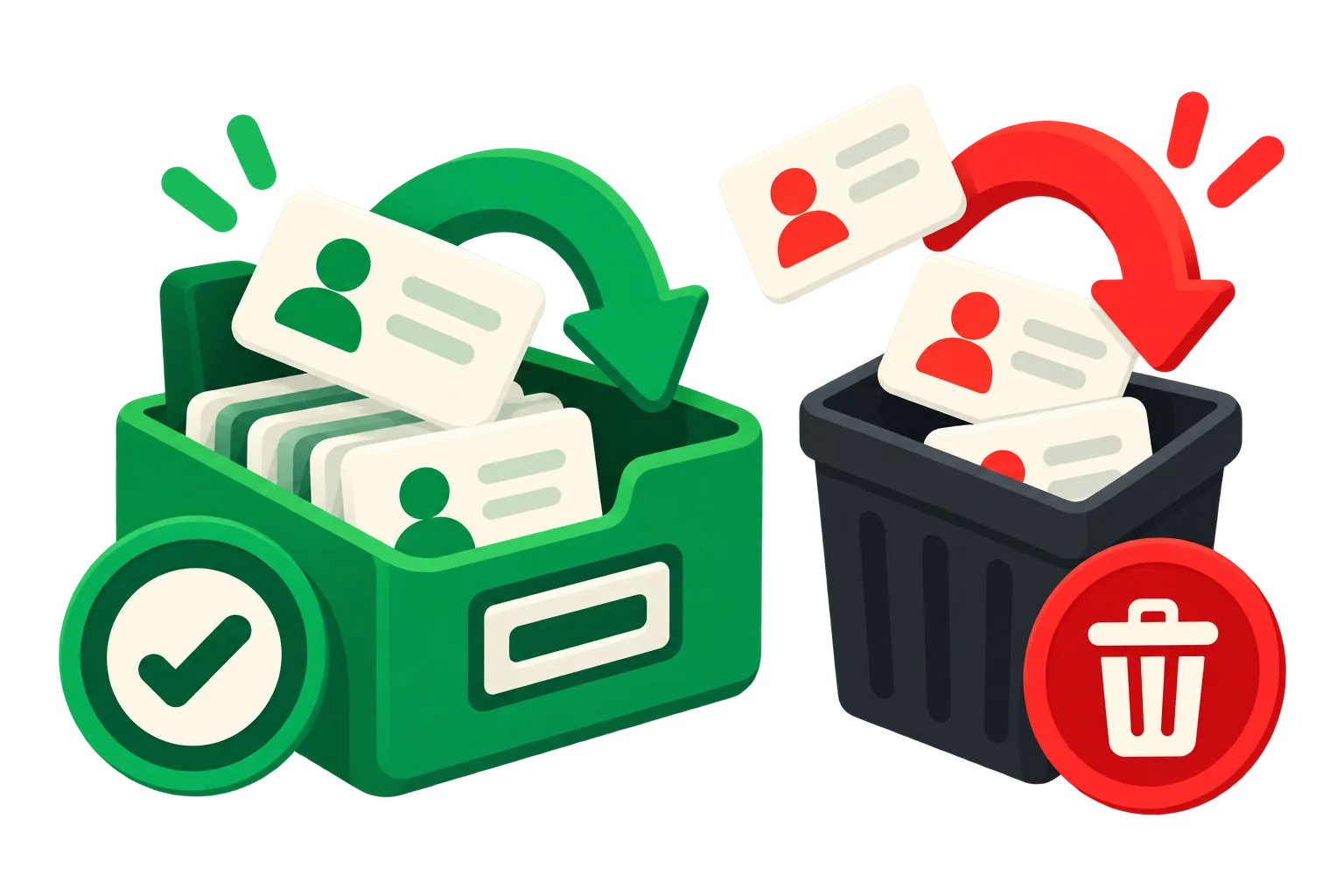
Mailchimp gives you three ways to get a contact out of your audience: archive, delete and permanently delete. They sound like degrees of the same thing. They aren't, and picking the wrong one either costs you history you can't get back or leaves you paying for people you meant to remove.
Archive: out of the bill, history kept
An archived contact stops counting toward your plan and stops receiving campaigns, but Mailchimp keeps the record: their activity, tags, merge fields and purchase history. You can unarchive them at any time, and if an archived contact signs up again or buys through a connected store, Mailchimp brings them back on its own.
That makes archiving the right default for list cleaning. It lowers the bill as much as deleting does, and it's reversible.
Delete: gone from the audience, can come back
A deleted contact is removed from the audience and its history goes with it. The address can be added again later (by import, by a form or by an integration), but it starts from zero: no past opens, clicks or orders to segment on.
Permanently delete: gone for good
Permanent deletion removes the contact and blocks the address from being re-imported. It exists for privacy requests: when someone asks you to erase their data, this is the tool. Using it to clean a list is almost always a mistake, because you can never re-add that person even if they want back in.
Which one to use
- Inactive, unsubscribed or never-opted-in contacts: archive. You stop paying and keep the option to win them back.
- Duplicates across audiences: archive the extra copies and keep the most active one.
- Junk addresses (typos, test entries, role accounts you never meant to add): delete.
- A privacy or erasure request: permanently delete.
Tag before you archive
One practical detail: Mailchimp doesn't let you edit an archived contact, but it keeps the tags it already had. Tag the batch before archiving it (for example with the date) and you'll be able to find and restore exactly that group later, ready for a win-back campaign.
acadion does this for you: it finds the contacts that match your rules, tags them if you want, archives them, and keeps a log so any of them can be restored in one click.
Keep reading
 How to clean up your Mailchimp audience, step by stepA practical checklist to clean a Mailchimp list: back it up, clear unsubscribed and duplicate contacts, archive the inactive ones safely, and keep it clean every month.Ruth Williams ·
  How to archive contacts in Mailchimp, including in bulkStep by step: archive one contact, a whole group or every unsubscribed contact in Mailchimp, find them later, bring them back, and do it through the API.Ruth Williams ·