

How Mailchimp charges for contacts (and why unsubscribed ones count)
Mailchimp prices every plan by contacts, and the count includes people you can't email. How the bill is worked out, why it keeps growing, and how to read it.

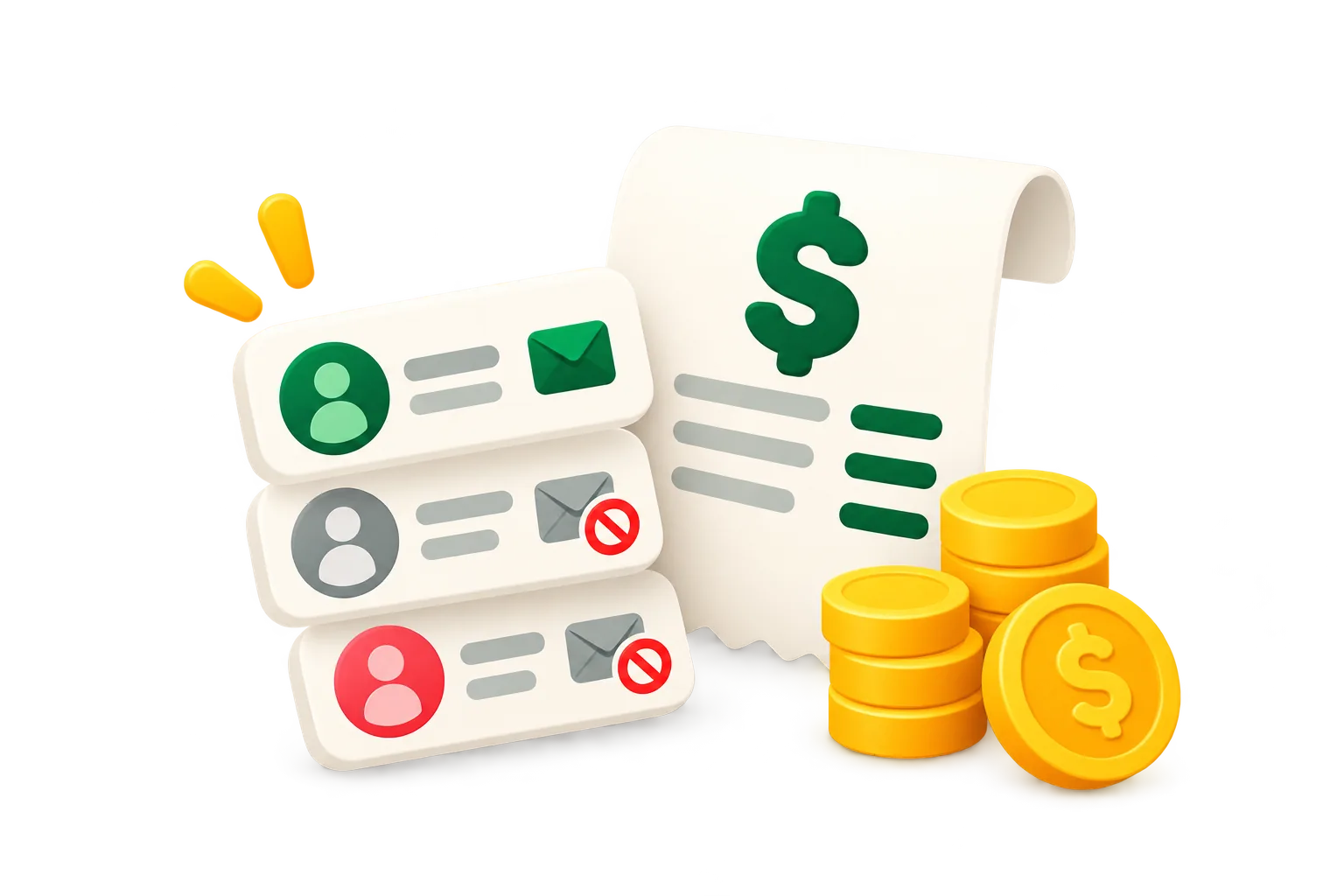
Mailchimp charges by two things: the plan you pick and how many contacts you have. The contact count is the part most people get wrong, because it includes a lot of people you can't, or don't, email.
Plan and contact tier
Each paid plan (Essentials, Standard, Premium) comes in contact tiers. The price you pay is the price of the tier your contact count falls into, and each plan also caps how many emails you can send a month. The Free plan has a small contact and sending cap, and once you pass it you can't send until you upgrade or bring the count down. Prices change often, so check Mailchimp's pricing page for today's numbers.
Who counts as a contact
- Subscribed: people who opted in. Yes, they count.
- Unsubscribed: people who asked to stop. You can't send them campaigns, and they still count.
- Non-subscribed: contacts added by a store or an integration without opting in, often buyers. They count too.
- Cleaned: addresses that bounced. They don't count.
- Archived: contacts you set aside. They don't count, and you can bring them back.
Mailchimp also counts a person once per audience: the same email in three audiences is three contacts on your bill.
Why the bill keeps going up
Unsubscribes never leave the count on their own, store syncs keep adding non-subscribed buyers, and old subscribers who stopped reading years ago are still there. The list only grows, so the account drifts into the next tier even when the number of people who actually read is flat.
What happens when you cross a tier
Go over your plan's contact limit and Mailchimp either charges you for the extra contacts or moves you to the next tier, depending on your plan. Either way, the bill follows the count, not your results.
Monthly, annual and nonprofit pricing
Paying yearly is cheaper per month than paying monthly, and Mailchimp offers a discount to registered nonprofits. Both lower the price per contact; neither changes which contacts you're paying for.
How to pay for fewer contacts
Archive the unsubscribed and non-subscribed contacts you don't need, and the people who haven't clicked or bought in a year. They stop counting and keep their history. Our guide on lowering your Mailchimp bill walks through it, and the Mailchimp cost calculator shows what a smaller count would cost. For your real numbers, run a free audit.
Keep reading
 How to clean up your Mailchimp audience, step by stepA practical checklist to clean a Mailchimp list: back it up, clear unsubscribed and duplicate contacts, archive the inactive ones safely, and keep it clean every month.Ruth Williams ·
  How to archive contacts in Mailchimp, including in bulkStep by step: archive one contact, a whole group or every unsubscribed contact in Mailchimp, find them later, bring them back, and do it through the API.Ruth Williams ·